Imagine With Craft

How to Connect Craft to OpenClaw with MCP
Step-by-step guide to connect Craft documents to OpenClaw via MCP. Read, search, and update your notes directly from OpenClaw.
Adding an MCP Connector in OpenClaw
Create a new connector in OpenClaw and use the MCP URL to connect the two services.
Step 1
Install mcporter, a CLI tool for managing MCP server connections. OpenClaw agents can use it to interact with Craft.
npm install -g mcporterStep 2
Run the following command in your terminal to add the Craft MCP server via
mcporter.mcporter config add craft --url https://mcp.craft.do/my/mcp --scope home --auth oauthStep 3
Run the following command to authenticate with Craft. A browser window will open for you to sign in.
mcporter auth craftStep 4
A browser window will open showing the Craft authorization page. Select the space you want to connect and click "Approve" to grant access.
You can now ask OpenClaw about your documents, and even have them updated. Try something like this to get started:
Click an example to copy the prompt to your clipboard
Some Ideas to Get You Started
Browse App Templates
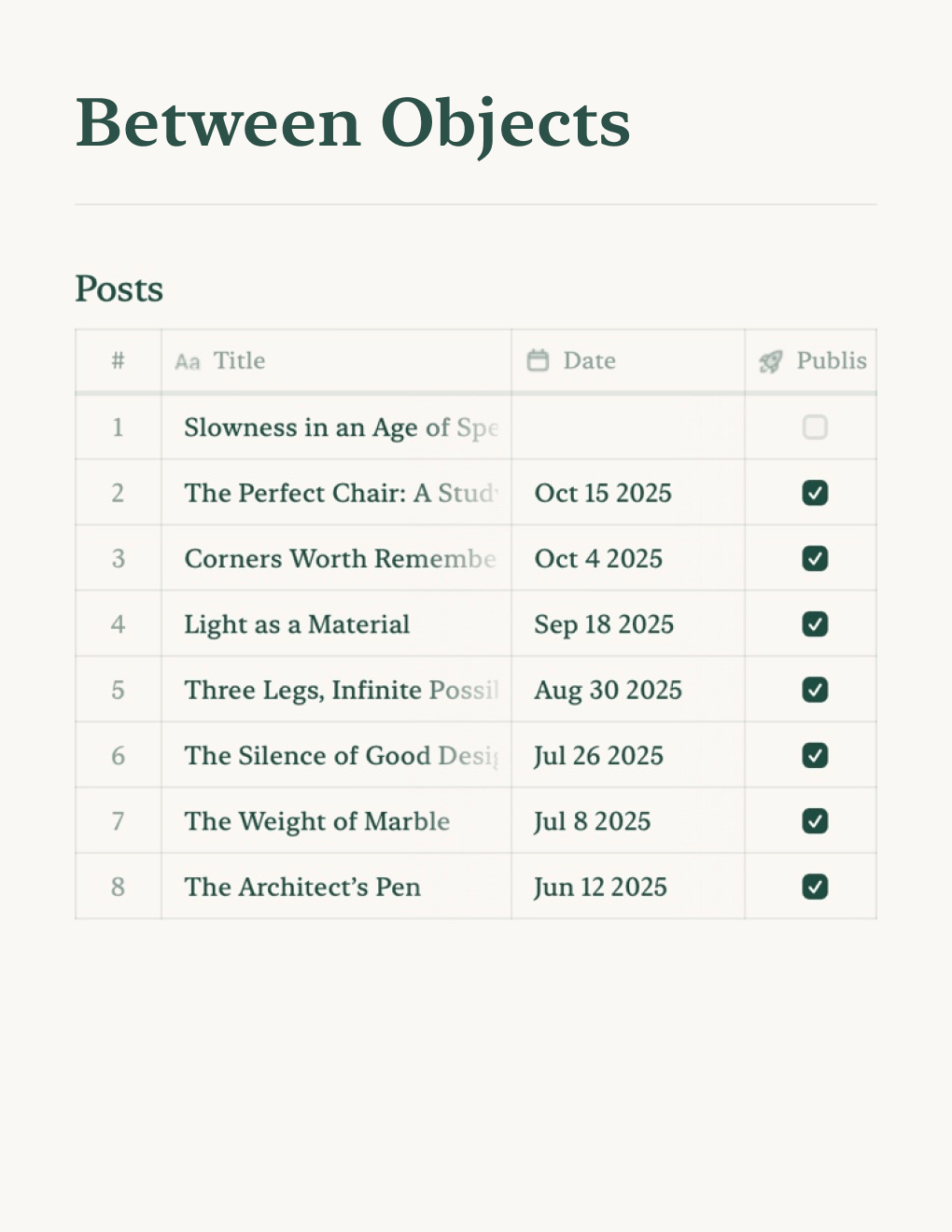

Personal Blog
Build a personal blog powered by Craft docs. Auto-syncs content via API — publish from your notes app.
Learn more

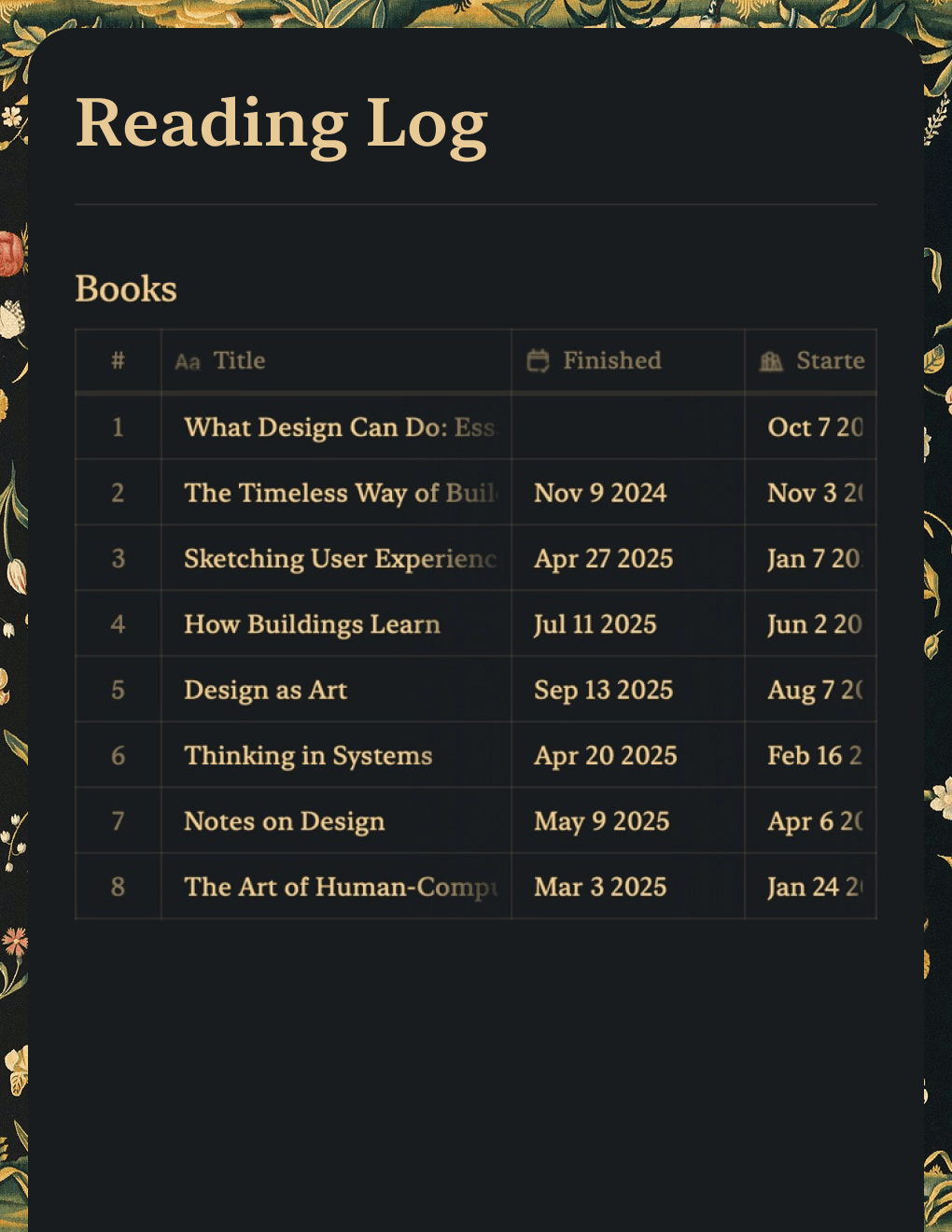
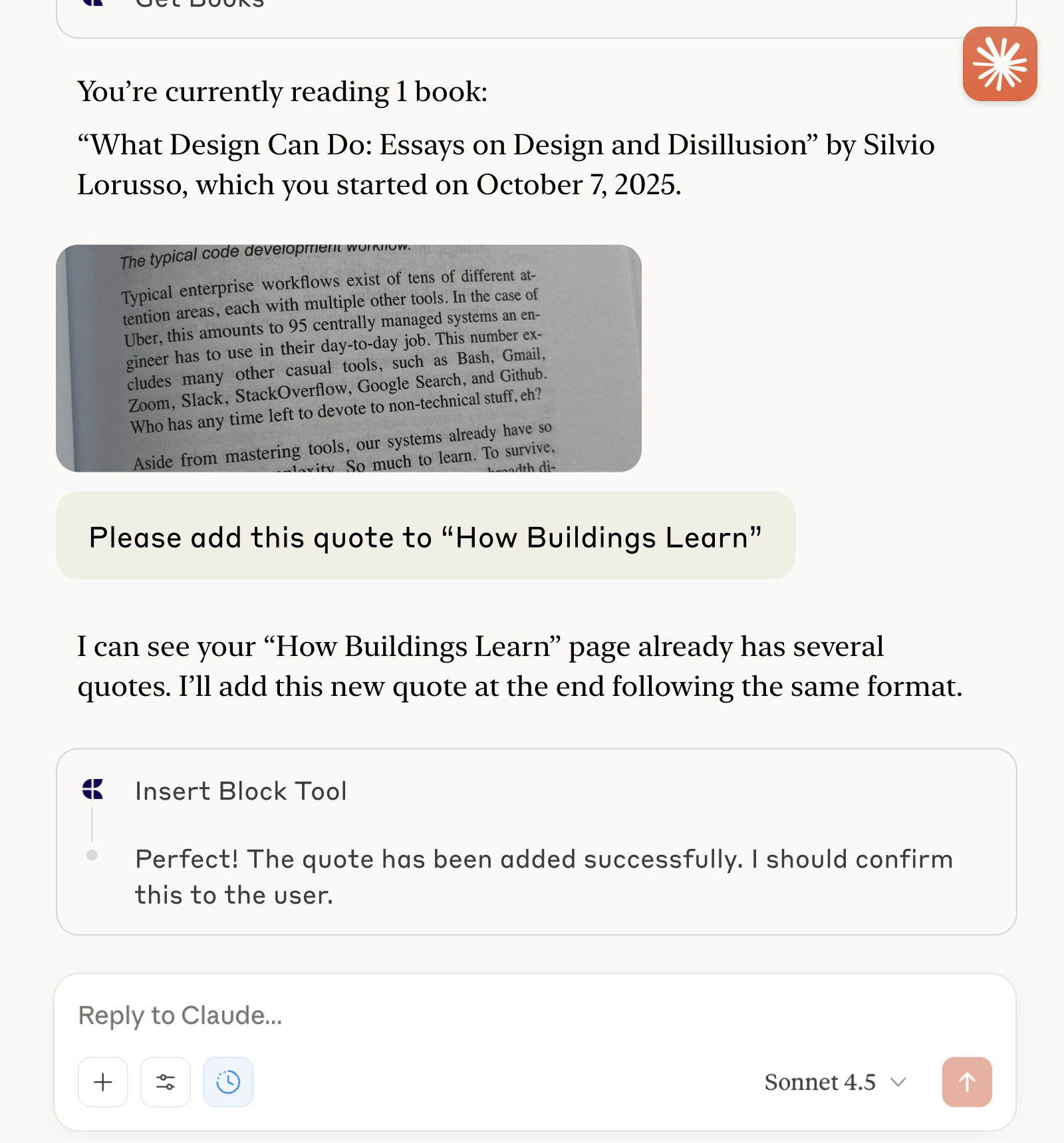
Reading Log
Track books and capture quotes with Claude or ChatGPT via MCP.
Learn more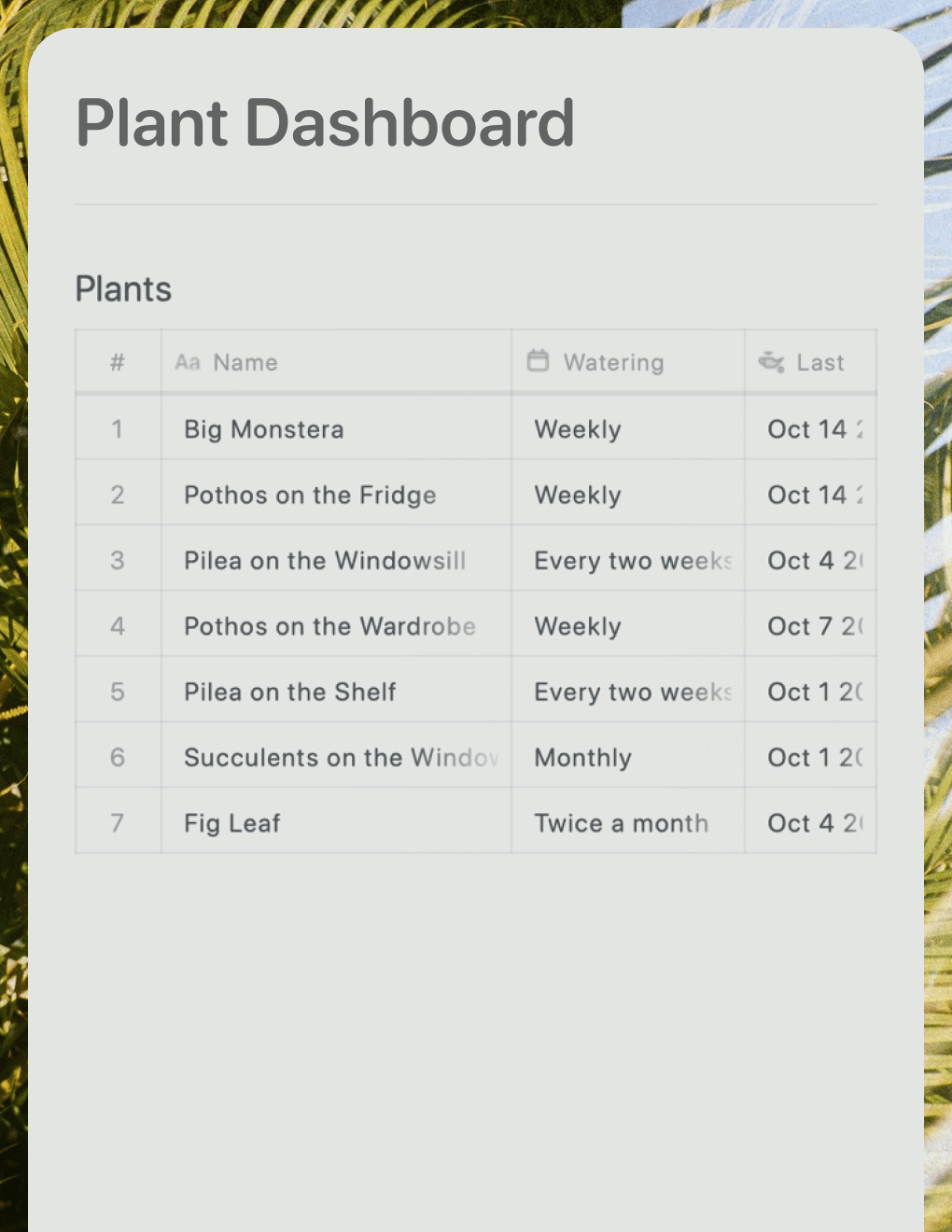

Plant Dashboard
A live plant care dashboard built with Lovable. Pulls watering schedules and care tips from your Craft doc.
Learn more