Reading Log
Track the books you’re reading and effortlessly save quotes and excerpts – directly from the page into Craft.
Live Demo
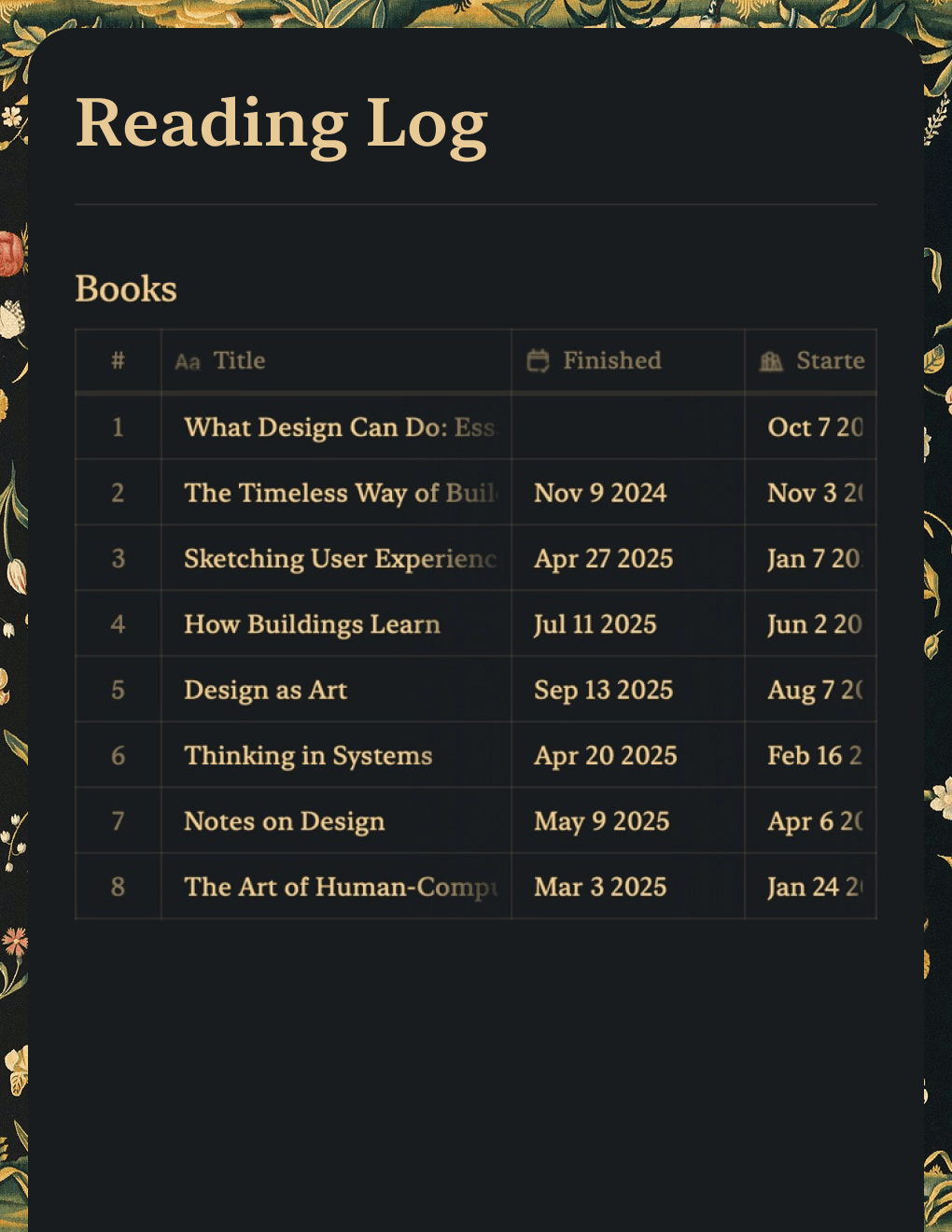
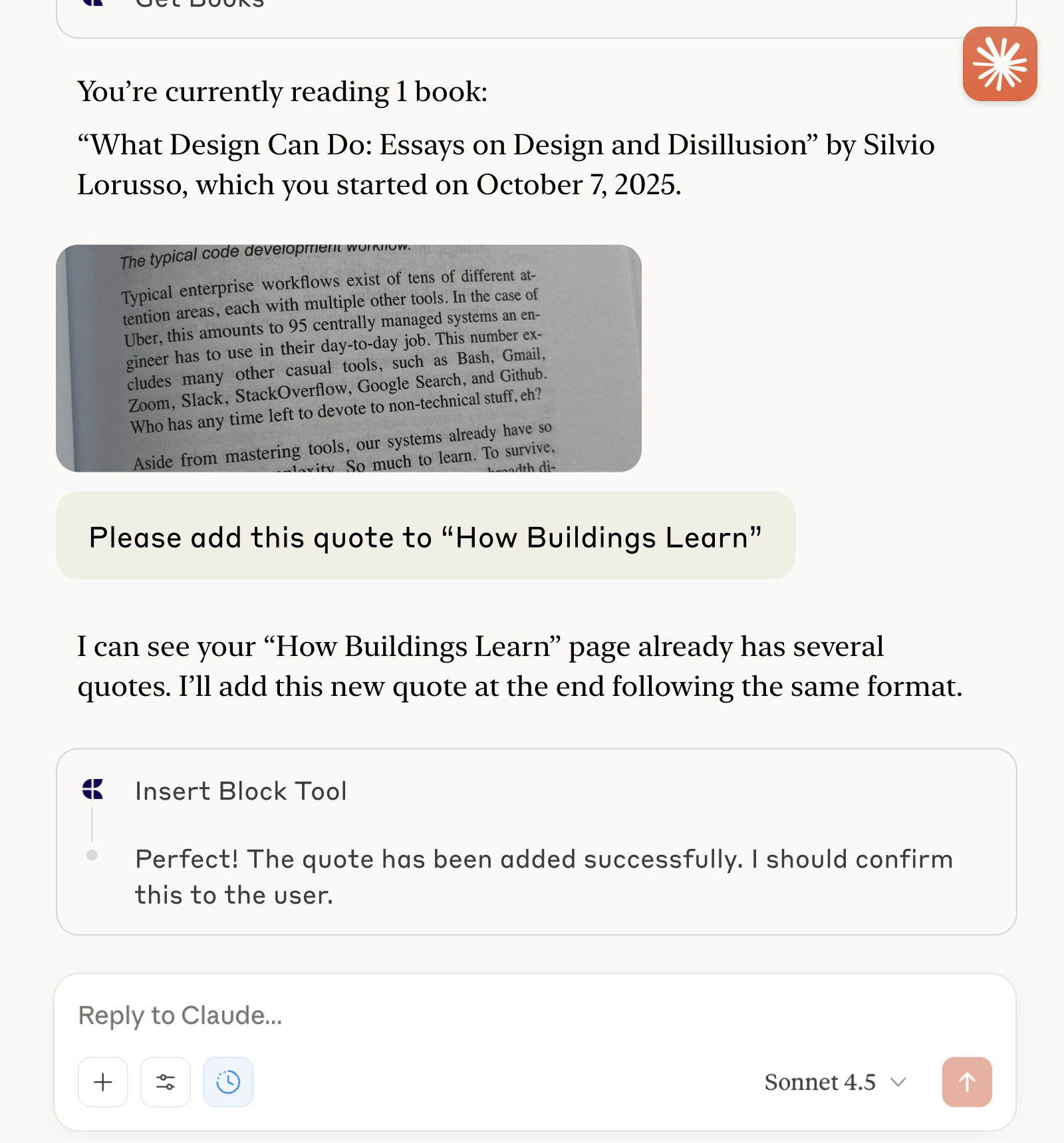
This real example shows what a Craft doc and the conversation with Claude about it could look like:




Built with Craft and ChatGPT or Claude
Build It Yourself
In this example, you’ll learn how to create a personal book and reading tracker in Craft. With the help of ChatGPT or Claude, you can capture excerpts and quotes easily, transcribing them directly from the book.
Step 1 — Create Your Doc
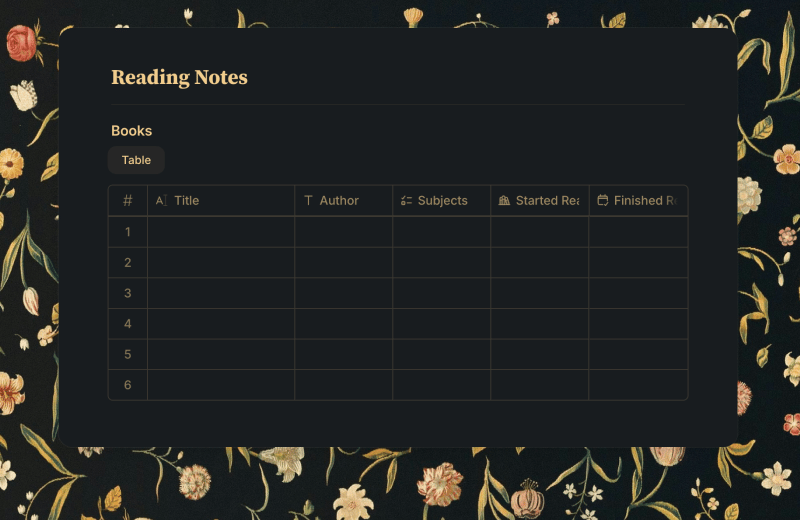
Our reading log is kept in a collection inside the Craft doc, where we track the book title and its author, some tags about its content as well as the date we started reading it and the date we finished it. Inside the items we can also add quotes and notes about the books. Of course you can adjust the collection and add fields for anything you would like to track.
Use the template to create a new doc with a collection for your reading log:
Step 2 — Enable MCP Access
Enable MCP Access for your doc to get a unique URL that can be used to read from and add to your doc.
Step 1
Step 2
Step 3
Step 4
Step 5
Step 3 — Set up the MCP Connection
Now let’s use the MCP URL to connect to the doc from a client:
Step 1
Step 2
Step 3
Step 4
To learn more, take a look at Claude’s documentation: “Getting Started with Custom Connectors Using Remote MCP”.
Step 4 — Start Interacting with Your Doc
You can now ask Claude about your reading log, and ask it to add quotes and excerpts directly into your Craft doc – even from images.
Here are some ideas to get you started:
Click the examples to copy the prompt to your clipboard
Troubleshooting
More Ideas For You To Try
Back to the Gallery
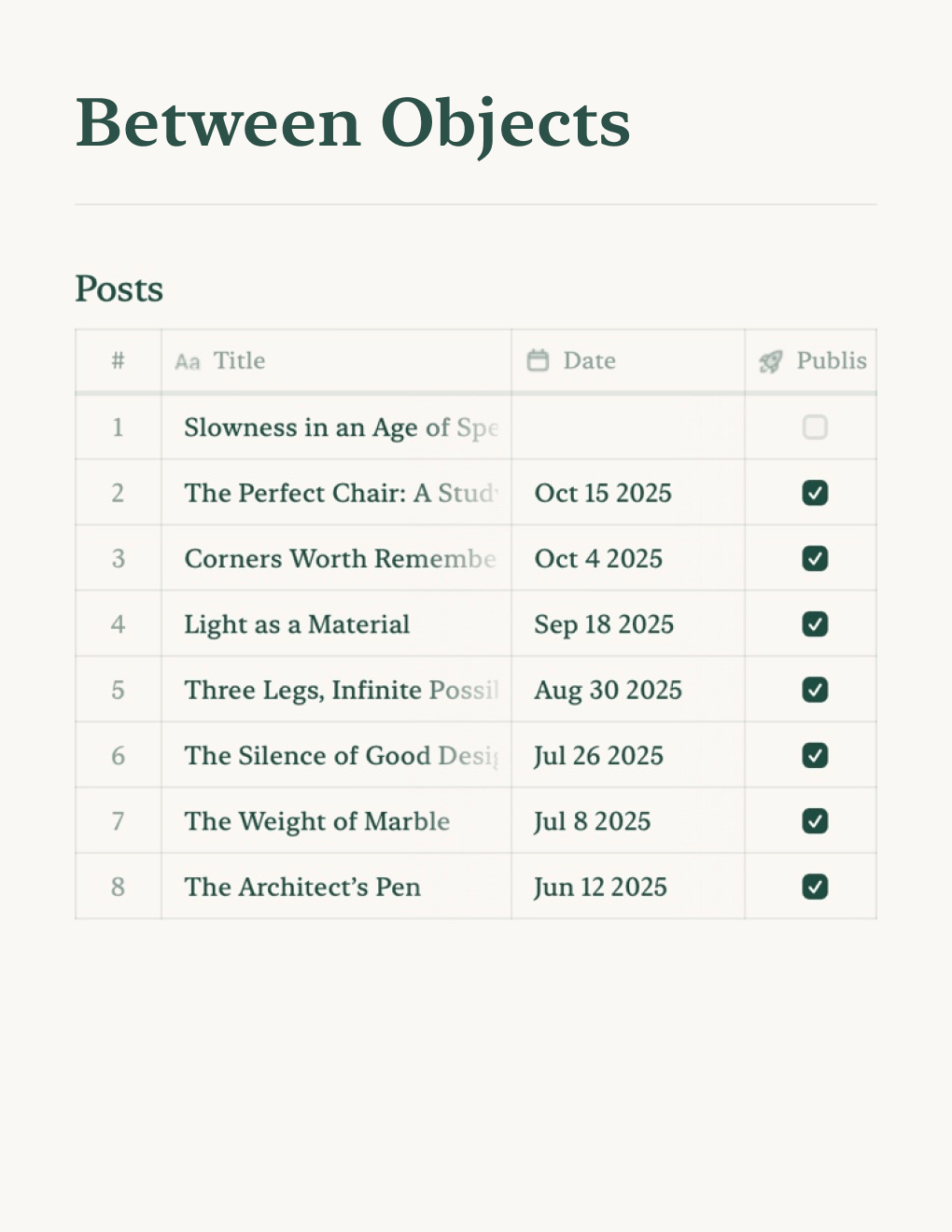

Build a personal blog powered by Craft docs. Auto-syncs content via API — publish from your notes app.
Learn more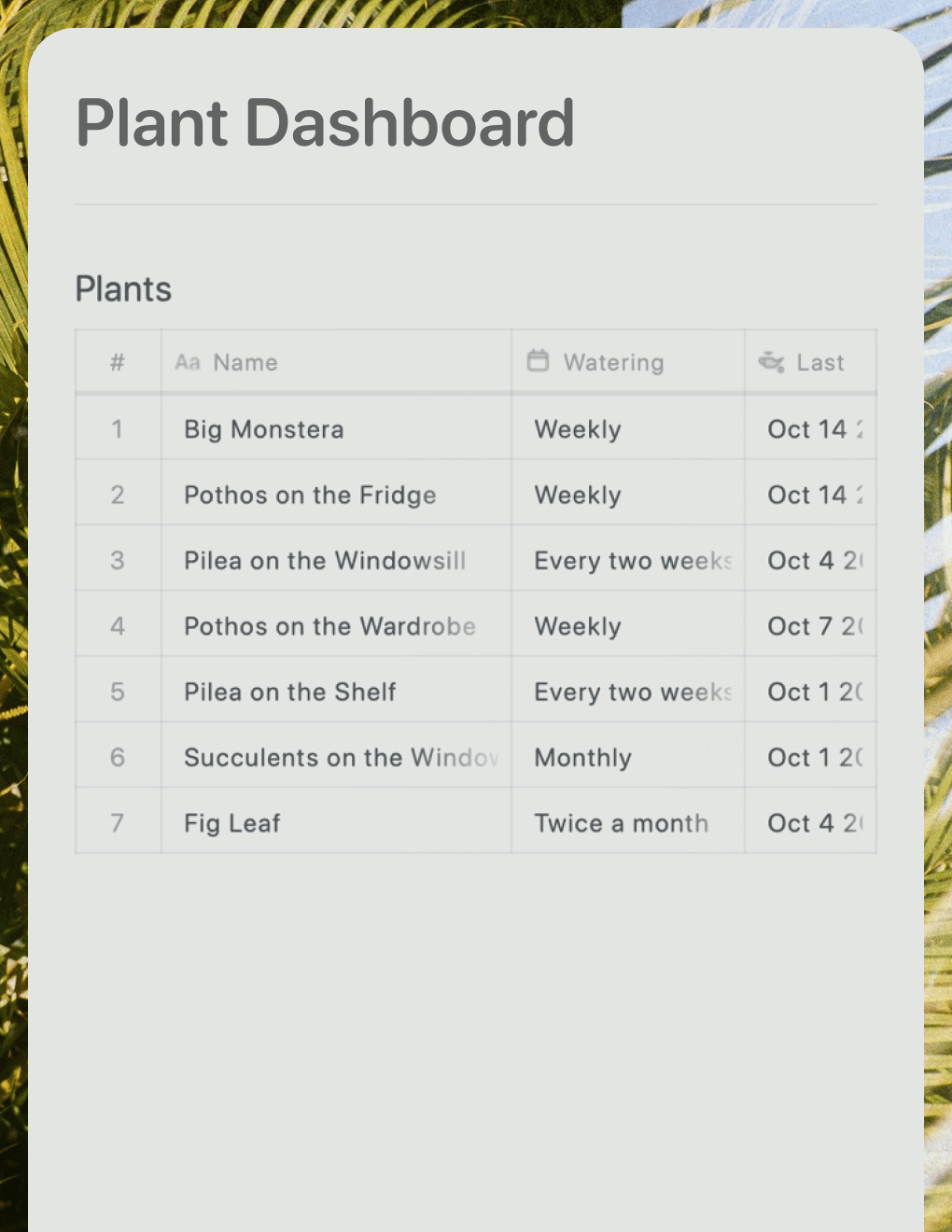

A live plant care dashboard built with Lovable. Pulls watering schedules and care tips from your Craft doc.
Learn more
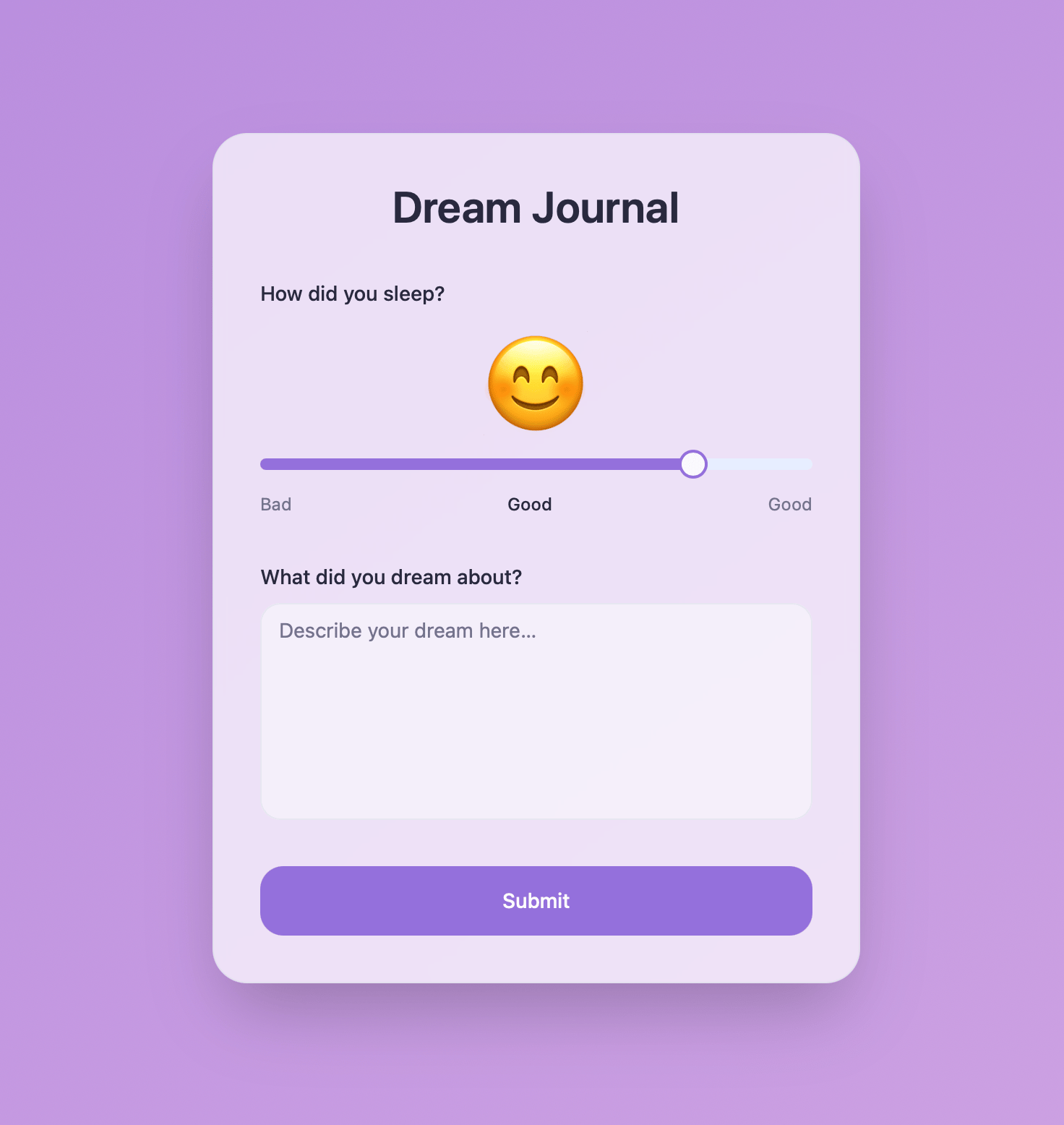
AI-powered dream journal that analyzes patterns and themes. Built with Craft API and Lovable.
Learn more